d20 Roller with Advantage & Disadvantage
Roll a d20 in 3D, right in your browser. Add your modifier, roll with advantage or disadvantage in one click, and see natural 20s and natural 1s stand out. Free, with no download and no account.
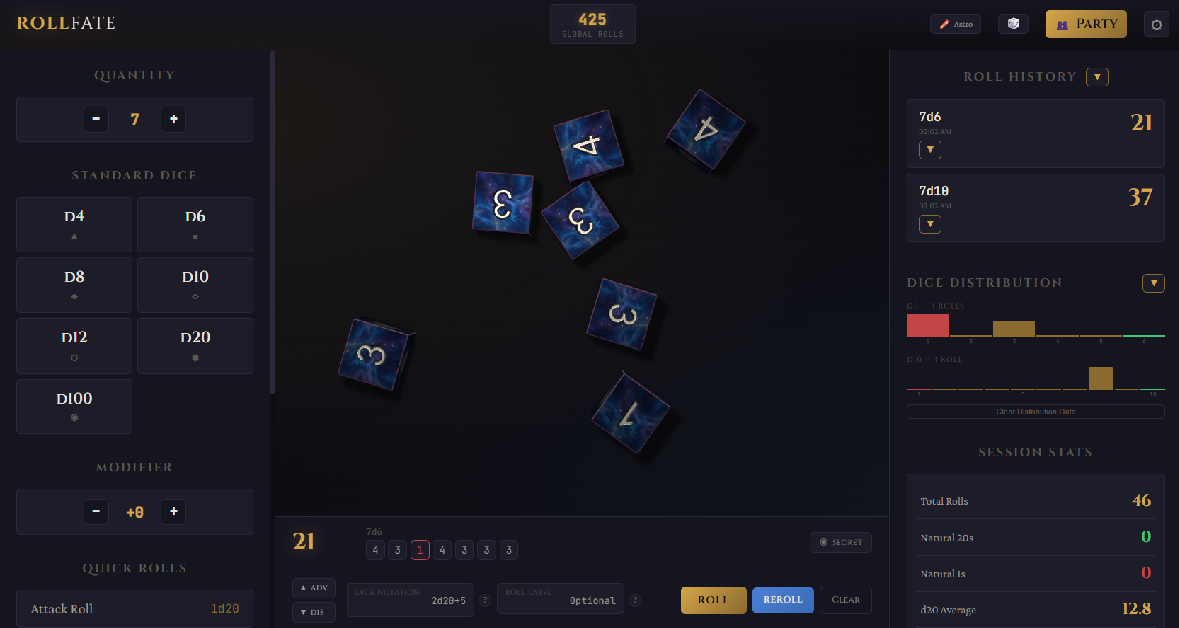
How to roll a d20
- Open RollFate and click D20. The die rolls across the table and lands on your result.
- Add your bonus with the + / − modifier buttons, or type it:
1d20+5. - Rolling with advantage? Turn on ADV before you roll. With disadvantage, turn on DIS. It stays on until you click it again.
Advantage and disadvantage
In D&D 5e, advantage means you roll two d20s and keep the higher one, and disadvantage means you keep the lower. RollFate rolls both dice for real and keeps the right one, so you can see what you nearly got. In dice notation that's 2d20kh1 (keep highest) and 2d20kl1 (keep lowest), and you can type those yourself too.
Natural 20s and natural 1s
A natural 20 or a natural 1 on a single d20 gets its own celebration (or commiseration), and your roll history highlights crits and fumbles. Session stats keep count of your natural 20s and natural 1s, along with your average d20 roll, so you finally have proof of how cursed your dice are tonight.
Roll it with your party
Create a room, share the code with your group, and everyone sees each attack roll and saving throw land at the same moment. It works alongside Discord, Zoom or whatever call you play on. The DM can also roll in secret: see the DM tools.
More than a d20
- Every die: d4, d6, d8, d10, d12, d20 and d100.
- Save your usual rolls, like "Longsword: 1d20+5", as quick rolls or macros.
- Roll for ability scores with
4d6kh3: the stat roller.